
You can publish a web app by renting a VPS and running it yourself, or by deploying it to a PaaS. The difference becomes clear when you ship an update or the app stops responding.
In this article
Who manages what?
With a virtual private server (VPS), you rent a virtual machine, connect over SSH, and set up how the app runs. DigitalOcean Droplets are one example. DigitalOcean setup guide
A platform as a service (PaaS) manages the execution environment. You configure the code, start command, and environment variables. Render, for example, can deploy from a connected Git branch. Render deployment guide
You configure the OS, app startup, and release process.
The provider manages the runtime infrastructure. You maintain the app and dependencies.
| Task | Typical VPS | Git-connected PaaS |
|---|---|---|
| OS and middleware | Patch the OS and manage the reverse proxy and runtime | The platform manages the infrastructure. You update dependencies and custom images. |
| Releases | Set up copying, process restarts, and rollback | Use the platform’s build and deploy tools, then verify the public app yourself. |
| Incidents | Check server health and application logs | Check deployment history, application logs, and provider status. |
| Data protection | Plan backups and restores if the database is on the same server | You can choose an external or managed database. Check retention and restore procedures. |
What changes when you update the same Node.js app?
Suppose you edit some text in a club’s equipment booking app. On a VPS, follow your release procedure to put the new version on the server and switch the running process. If you automate this with GitHub Actions, decide which permissions it needs and what happens on failure or rollback.
On a Git-connected PaaS, a push to the selected branch can start deployment. Check the change at the public URL and match it to the commit in deployment history. If the release changes the database schema, plan that separately on either platform. Rolling back code leaves schema changes in place. Render automatic deploys
Push → follow your deployment process → switch the process → check the public URL
Push → provider builds and deploys → check the public URL
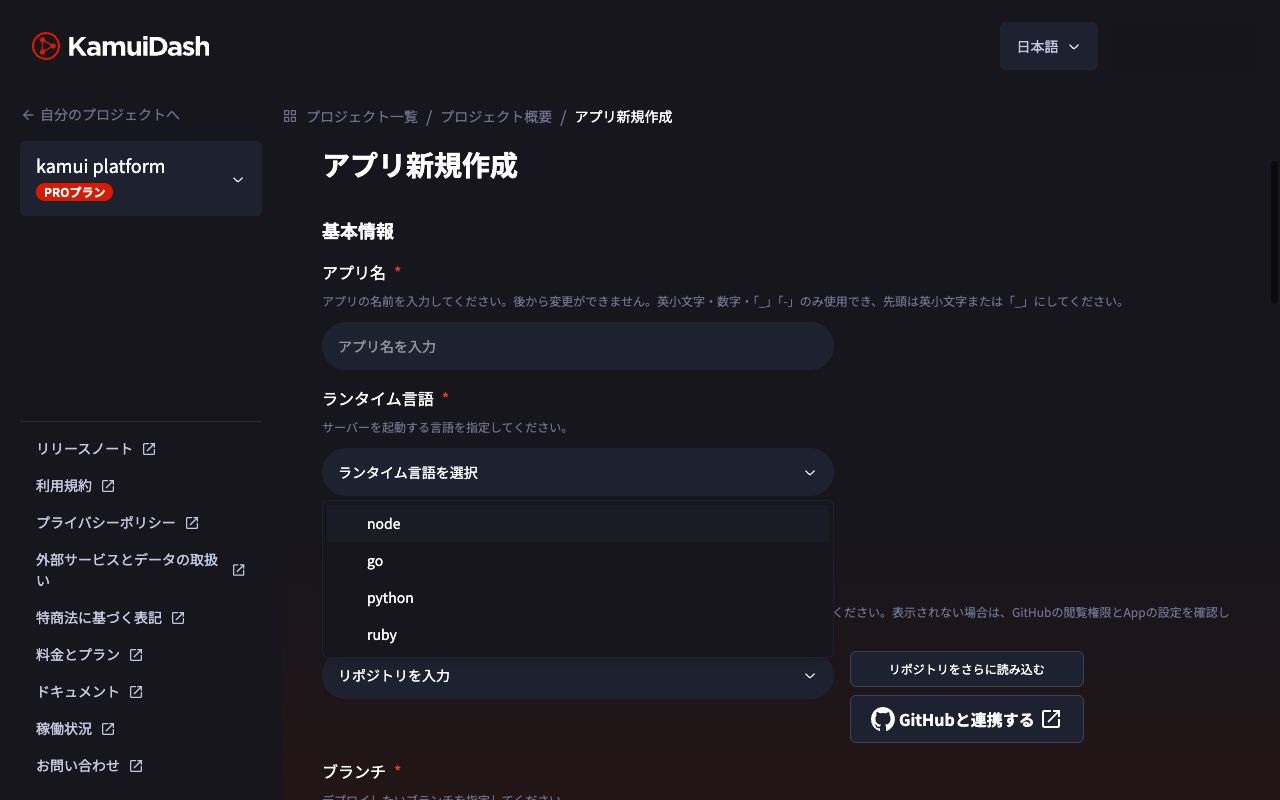
KamuiDash is one PaaS that deploys web servers from GitHub. For Node.js, configure the repository, start command, and environment variables, then check the deployment result. KamuiDash Node.js setup
If the booking page fails after an update
On a VPS, check that the app process is running and look in the reverse proxy logs for connection failures. On a PaaS, check which version went live and look for startup errors in the app logs. If the code change does not explain the failure, check the provider’s status.
Choose what you want to manage
A VPS makes sense if you want to learn OS administration or need custom networking or process placement. A PaaS can suit an ordinary HTTP app when you want to spend more time on features. Check whether it needs to stay awake, retain local files after a restart, or run background jobs. Render’s free web services can spin down when idle and lose local writes after a restart or redeploy. Render free service limits
Compare the monthly app cost, database, backups, and transfer under the same assumptions. Decide who will patch the OS and verify restores, and when.
Related articles
See how to publish web apps from GitHub on KamuiDash.