
When you publish a FastAPI application that saves data, you need somewhere to store it as well as a server to run the API. With PostgreSQL, a reachable URL does not mean writes will work: the application also needs a working database connection. Data saved to temporary application files can disappear on redeployment.
This guide builds an API for saving and listing short notes, then checks startup, database connectivity, and persistence in order. The hosting example uses KamuiDash, a PaaS in the Tokyo region. The key is to separate dependency installation, table initialization, and API startup.
You can download the complete sample. This guide assumes basic Python and Git knowledge. Use short test notes rather than real personal information when following the steps.
In this article
- Separate the API runtime from persistent storage
- Prepare a minimal FastAPI sample
- Check local writes and reads
- Configure PostgreSQL and the Python application on KamuiDash
- Check the public URL, persistence, and updates separately
- Common questions
- Keep a working persistence baseline before adding features
Separate the API runtime from persistent storage
FastAPI handles requests, and PostgreSQL stores the notes. The browser or API client does not connect directly to the database.
In-memory variables disappear when the process exits. KamuiDash application disks are also temporary: data that must survive restarts and deployments belongs in a database, while uploaded images and similar files belong in object storage. See the temporary disk explanation in the official specifications.
This example uses one application and one process. It includes SQL to create the initial table, but no system for tracking changes to an existing schema. As you keep adding features, move to migration management with a tool such as Alembic.
Prepare a minimal FastAPI sample
The downloaded folder contains the following files. The instructions assume you push the contents of this folder as the repository root on GitHub.
requirements.txt   Python dependencies
main.py            API and startup code
init_db.py         Initial table creation
.gitignore         Excludes .env and other local files
Pin dependencies in requirements.txt
fastapi==0.128.8
uvicorn==0.39.0
psycopg[binary]==3.2.13
FastAPI provides the API framework, Uvicorn runs the HTTP server, and Psycopg connects to PostgreSQL. This combination was checked locally. When updating versions, check writes and reads again after the change.
Read PORT at startup and authenticate storage endpoints
import hmac
import os
from typing import Optional

import psycopg
import uvicorn
from fastapi import Depends, FastAPI, Header, HTTPException
from pydantic import BaseModel, Field
from psycopg.rows import dict_row

app = FastAPI(title="Small Notes API")

def connection():
    # Context managers commit on success, roll back on error, and close.
    return psycopg.connect(os.environ["DATABASE_URL"], connect_timeout=5,
                           row_factory=dict_row)

def authorize(authorization: Optional[str] = Header(default=None)):
    token = os.environ.get("DEMO_API_TOKEN", "")
    if not token:
        raise HTTPException(status_code=503, detail="API token is not configured")
    expected = "Bearer " + token
    if not hmac.compare_digest((authorization or "").encode(), expected.encode()):
        raise HTTPException(status_code=401, detail="Authentication required")

class Note(BaseModel):
    body: str = Field(min_length=1, max_length=500)

@app.get("/healthz")
def health():
    return {"ok": True}

@app.get("/readyz", dependencies=[Depends(authorize)])
def ready():
    with connection() as conn:
        conn.execute("SELECT 1")
    return {"database": "ok"}

@app.get("/notes", dependencies=[Depends(authorize)])
def list_notes():
    with connection() as conn:
        return conn.execute("SELECT id, body FROM notes ORDER BY id DESC LIMIT 50").fetchall()

@app.post("/notes", status_code=201, dependencies=[Depends(authorize)])
def create_note(note: Note):
    with connection() as conn:
        return conn.execute("INSERT INTO notes (body) VALUES (%s) RETURNING id, body",
                            (note.body,)).fetchone()

if __name__ == "__main__":
    uvicorn.run("main:app", host="0.0.0.0", port=int(os.getenv("PORT", "8000")))
Listen on 0.0.0.0 and read the PORT supplied by the platform. Binding only to 127.0.0.1 prevents connections from outside the application. The KamuiDash Python configuration guide also documents using PORT and explicitly setting the setup command.
/healthz checks only whether the API process responds. The authenticated /readyz endpoint checks database connectivity separately. This distinction helps you tell a server startup problem from a database problem.
This is a learning API with one shared token. It has no per-user accounts or permissions. For an application serving general users, add authentication and rate limiting appropriate to its purpose. A token embedded in browser-delivered JavaScript cannot remain secret.
Keep initial table creation separate
from main import connection

with connection() as conn:
    conn.execute("""
        CREATE TABLE IF NOT EXISTS notes (
            id bigint GENERATED ALWAYS AS IDENTITY PRIMARY KEY,
            body text NOT NULL CHECK (length(body) BETWEEN 1 AND 500)
        )
    """)
print("notes table is ready")
IF NOT EXISTS means running the script again does not delete existing notes. It also does not update column definitions when the table already exists. Start with a dedicated empty database rather than applying it to an existing one.
Check local writes and reads
First, create a dedicated empty database in your local PostgreSQL instance. The connection details and username below are examples. You do not need an external production database for this check.
python3 -m venv .venv
source .venv/bin/activate
pip install -r requirements.txt

export DATABASE_URL='postgresql://demo_user:local_password@127.0.0.1:5432/notes_demo'
export DEMO_API_TOKEN='local-demo-only-change-before-publication'
python init_db.py
python main.py
In another terminal, set the same DEMO_API_TOKEN and run:
curl --fail http://127.0.0.1:8000/healthz

curl --fail http://127.0.0.1:8000/readyz \
  -H "Authorization: Bearer $DEMO_API_TOKEN"

curl --fail http://127.0.0.1:8000/notes \
  -H "Authorization: Bearer $DEMO_API_TOKEN" \
  -H 'Content-Type: application/json' \
  -d '{"body":"First persistence test"}'

curl --fail http://127.0.0.1:8000/notes \
  -H "Authorization: Bearer $DEMO_API_TOKEN"
A successful write should return HTTP 201; listing should return HTTP 200 with JSON containing the saved text. Accessing /notes without the authentication header returns 401. Verify these steps before pushing to GitHub, without logging the database URL or token.
Configure PostgreSQL and the Python application on KamuiDash
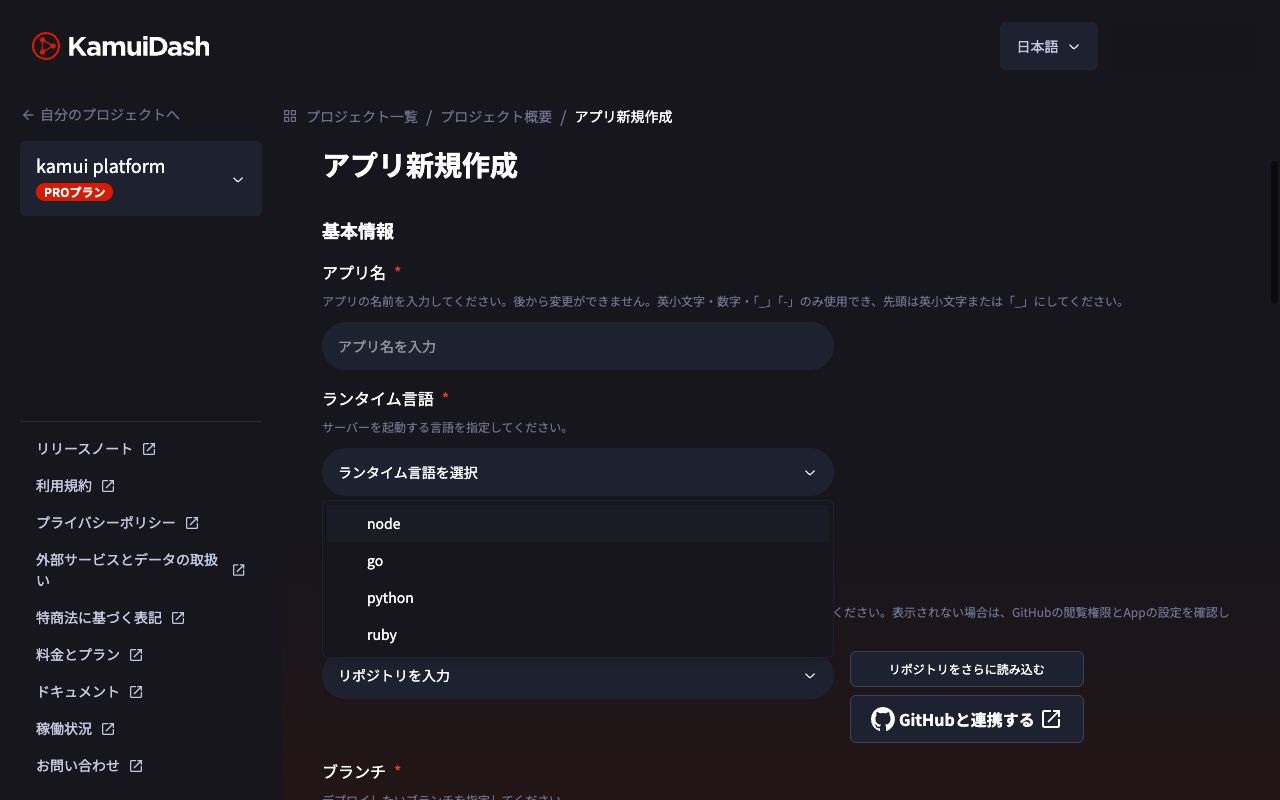
Create PostgreSQL in your KamuiDash project, then select that database when creating the application. The official database connection guide explains that connection details such as DATABASE_URL are supplied through environment variables. You do not need to copy your local connection URL.
| Setting | Value for this sample | What to check |
|---|---|---|
| Type and language | Web server / Python | Do not create a static website |
| Source | Your GitHub repository and branch | Select a commit containing the complete sample |
| Root directory | Leave blank | Assumes main.py is at the repository root |
| Setup command | pip install -r requirements.txt |
Install dependencies |
| Pre-start command | python init_db.py |
Prepare the initial table in the dedicated database |
| Start command | python main.py |
Listen on PORT |
| Health check | /healthz |
Return 200 without authentication |
| Database | The PostgreSQL database you created | DATABASE_URL is provided |
| Additional environment variable | DEMO_API_TOKEN |
Set a sufficiently long value different from the local one |
If the sample lives in a subfolder of an existing repository, set that folder as the root directory. Interpret command paths relative to the selected directory.
Check the public URL, persistence, and updates separately
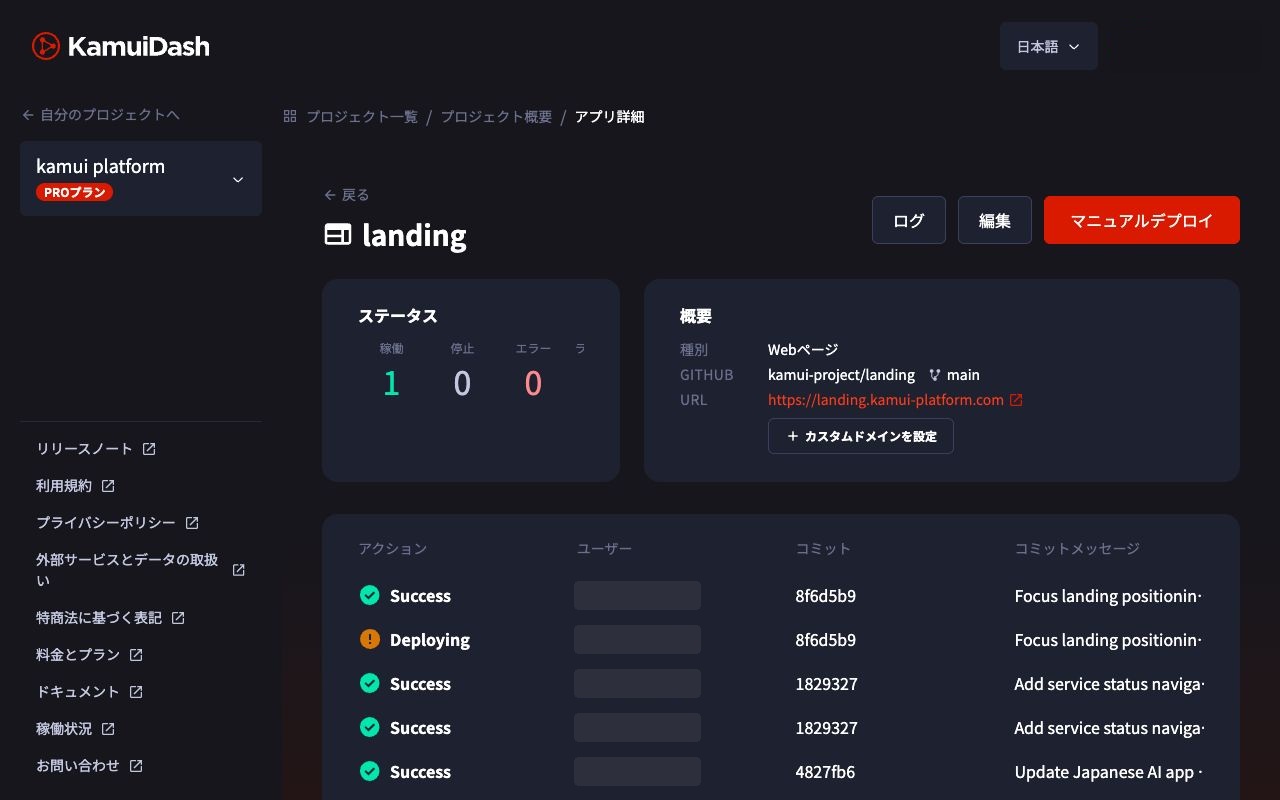
Once deployment succeeds, use the issued HTTPS URL and follow the same sequence as locally: /healthz, /readyz, creating a note, and listing notes.
Then leave one note in the database, make a small source change, and redeploy. Check that you can still read the same note. This tests whether data remains in the database when the API process is replaced.
Where to look when startup fails
| Symptom | Check first |
|---|---|
ModuleNotFoundError |
Setup logs and the location of requirements.txt |
| Cannot connect to the public URL | Startup logs, 0.0.0.0, PORT, and the health-check path |
/healthz returns 200 but /readyz fails |
Database status and the application's database connection settings |
relation "notes" does not exist |
Pre-start command results and which database is connected |
/notes returns 401 |
The production token and request authentication header |
| Database connections fail as traffic grows | Concurrent connections, process count, and the database plan's connection limit |
The sample opens a connection for each request and closes it when the operation finishes. It does not hold connections permanently, but concurrent requests can still reach the connection limit. In production, size your connection pool against the database limit, including process and replica counts. The connection-pool experiment offers additional context.
Common questions
Can I keep it online for free indefinitely?
KamuiDash has a 30-day trial covering the base charges of eligible applications and databases. Continued use is paid. For a personal plan, one Nano application and one Nano database used for 30 days have combined base charges of US$9 before tax, with usage-based charges and other costs billed separately. Check the official pricing and specifications for the detailed conditions.
Are SQLAlchemy and Alembic required?
They are not required to run this small example. Once table changes or multiple environments are involved, you need a way to manage schema history. CREATE TABLE IF NOT EXISTS alone is not a long-term migration strategy.
If the database is in Japan, is all data processed only in Japan?
External authentication, email, monitoring, and AI APIs can each involve sending data to another service. Running the application and database in Tokyo is separate from establishing data residency for the whole system.
Keep a working persistence baseline before adding features
The result is a small setup in which you can check startup, database connectivity, writes, reads, and reading the same data after redeployment. Keeping this version in Git gives you a baseline for comparing changes when a later feature causes a problem.
Verification scope: the sample API and database operations were checked locally. KamuiDash settings are based on official documentation checked on November 2, 2026; this sample was not newly deployed to the cloud for validation.
References: running a FastAPI server and Psycopg connections and transactions.
Related guides
KamuiDash is a Tokyo-region PaaS for publishing web applications through GitHub and AI integrations.