
You can deploy a Next.js app outside Vercel on Render, Railway, Google Cloud Run, Cloudflare, or KamuiDash. Start by checking what needs to run after the build. That decision determines which hosts can run your app and what you need to configure.
In this article
Choose a runtime before choosing a host
If all routes can be generated at build time, set output: 'export', run next build, and serve the out/ directory. Features such as request-time cookie access and incremental static regeneration (ISR) need a different approach. Compare your app's features with the Next.js static export guide.
For pages that read a database or authenticate on each request, a Node.js server is a straightforward option. A container can run that server too. Cloudflare Workers uses a different runtime, so check compatibility before migrating. See the Next.js deployment guide.
Compare five Vercel alternatives
| Host | Deployment model | When to consider it | Check first |
|---|---|---|---|
| Render | Node.js web service or static site | You want to choose between a running server and serving a static export | Resources and free web service idle suspension |
| Railway | Build and deploy from source | You want the platform to detect the build and start commands | Command overrides, variables, and usage costs |
| Google Cloud Run | Container, with source deployment available | You already use Google Cloud and want to integrate with it | IAM, billing, region, instance limits, and database connections |
| Cloudflare Workers | Adapt the app to Workers | You want the Workers runtime or its bindings | vinext beta and compatibility with your features and packages |
| KamuiDash | Node.js web server | You want GitHub deployment and managed PostgreSQL in Tokyo | Node.js version, build settings, CPU, memory, and total cost |
For Node.js hosting, compare region, idle behavior, build and runtime resources, database location, and recurring costs. Cloud Run can build from source without a custom Dockerfile. When configuring autoscaling, consider startup latency and the number of database connections across instances.
Cloudflare recommends vinext for Workers. It implements Next.js APIs on Vite and was in beta at the November 2, 2026 documentation check. Run npx vinext check and consult the compatibility table. The official guide also documents an OpenNext path for existing apps with compatibility gaps. For a static export, see Cloudflare Pages.
Before migrating, list the features you use, including server rendering, Route Handlers, Server Actions, image optimization, and ISR. Check database and API connectivity, environment variables at build and runtime, preview deployments, monitoring, and the total cost of hosting, storage, builds, and traffic. Plan separately for any Vercel-specific services you need to replace.
Build and start the Node.js sample locally
Download the sample and place its contents at the repository root. The small App Router app shows a generation timestamp and two labels. It has no database or login. The pinned Next.js version is 16.4.3 and requires Node.js 20.9 or later. Verify the Node.js version on your host too.
The pinned version records the local test. Before making the sample public, check the November 2026 Next.js security release notice, update Next.js and the lockfile to a patched version, and rebuild.
{
  "name": "next-node-hosting-demo",
  "version": "1.0.0",
  "private": true,
  "scripts": {
    "dev": "next dev -H 0.0.0.0",
    "build": "next build",
    "start": "next start -H 0.0.0.0"
  },
  "dependencies": {
    "next": "16.4.3",
    "react": "19.2.0",
    "react-dom": "19.2.0"
  },
  "engines": { "node": ">=20.9.0" }
}
Run the production build and server. The Next.js CLI supports specifying the listening port with PORT.
npm ci
NEXT_PUBLIC_DEMO_LABEL='build-example' npm run build
PORT=3000 DEMO_SERVER_MESSAGE='runtime-example' npm run start
Open http://127.0.0.1:3000/ and /healthz. The first shows the timestamp and labels. The second returns {"ok":true}. Reload the page to see the timestamp change.
export const dynamic = 'force-dynamic';
export default function Page() {
  return <main><h1>Next.jsをNode.jsで動かす</h1><p>このページはリクエスト時にサーバーで描画します。</p><p>生成時刻:{new Date().toISOString()}</p><p>公開用ラベル:{process.env.NEXT_PUBLIC_DEMO_LABEL || '未設定'}</p><p>サーバー専用の設定:{process.env.DEMO_SERVER_MESSAGE || '未設定'}</p></main>;
}
Separate build-time and runtime values
Direct references to NEXT_PUBLIC_ variables are inlined at build time. Rebuild to change those values. A server variable can also be needed at build time if a statically generated page reads it then. Check when your code runs and when the platform makes variables available. See the Next.js self-hosting guide.
The sample's build-time label is optional and shows an unset value when omitted. DEMO_SERVER_MESSAGE is safe to display because it is demonstration text. Keep secrets out of HTML and JSON responses.
Configure the Node.js example on KamuiDash
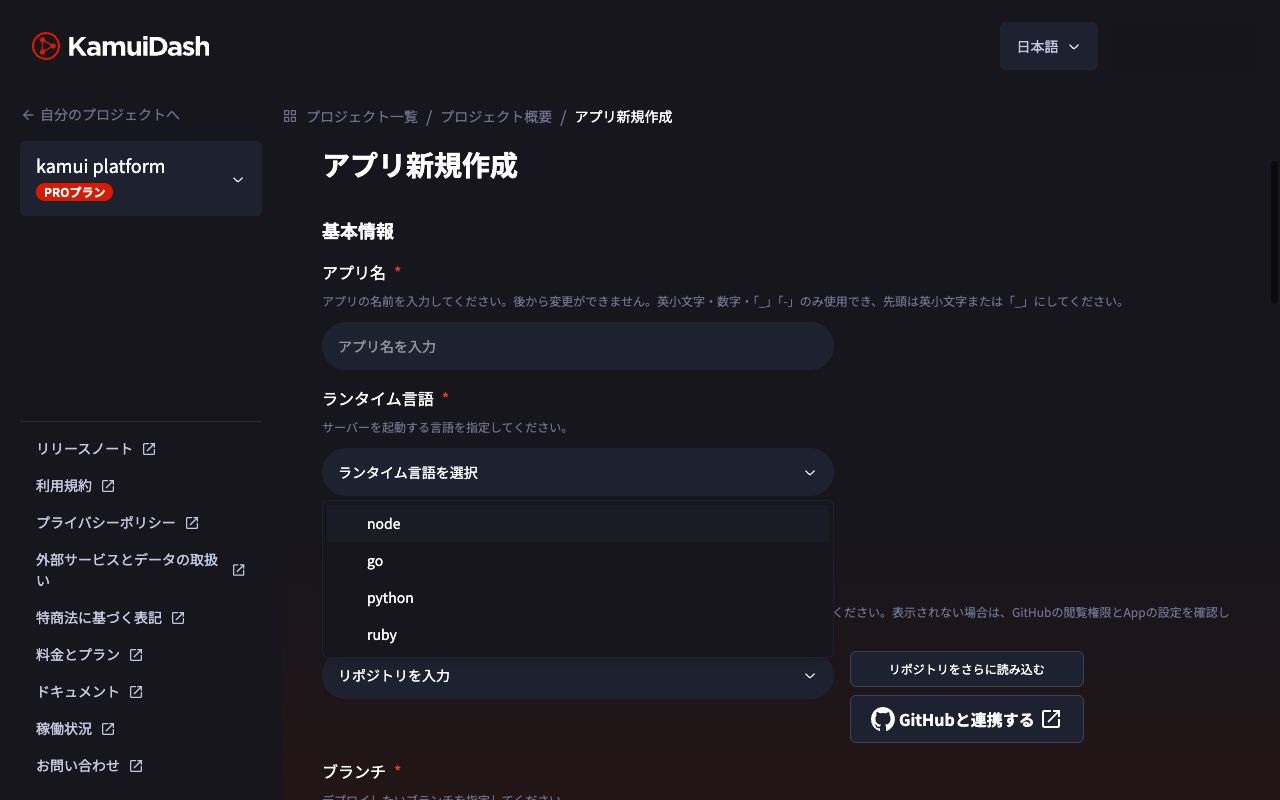
| Setting | Value |
|---|---|
| Application type | Web server / Node.js |
| Root directory | Leave blank when package.json is at the repository root |
| Setup | npm ci && npm run build |
| Pre-start | Leave blank |
| Start | npm run start |
| Health check | /healthz |
| Runtime variable | DEMO_SERVER_MESSAGE (optional) |
For a monorepo, point the root directory to the folder with the app's package.json. Confirm the build environment can access any build-time values your own app needs. See the KamuiDash Node.js settings.
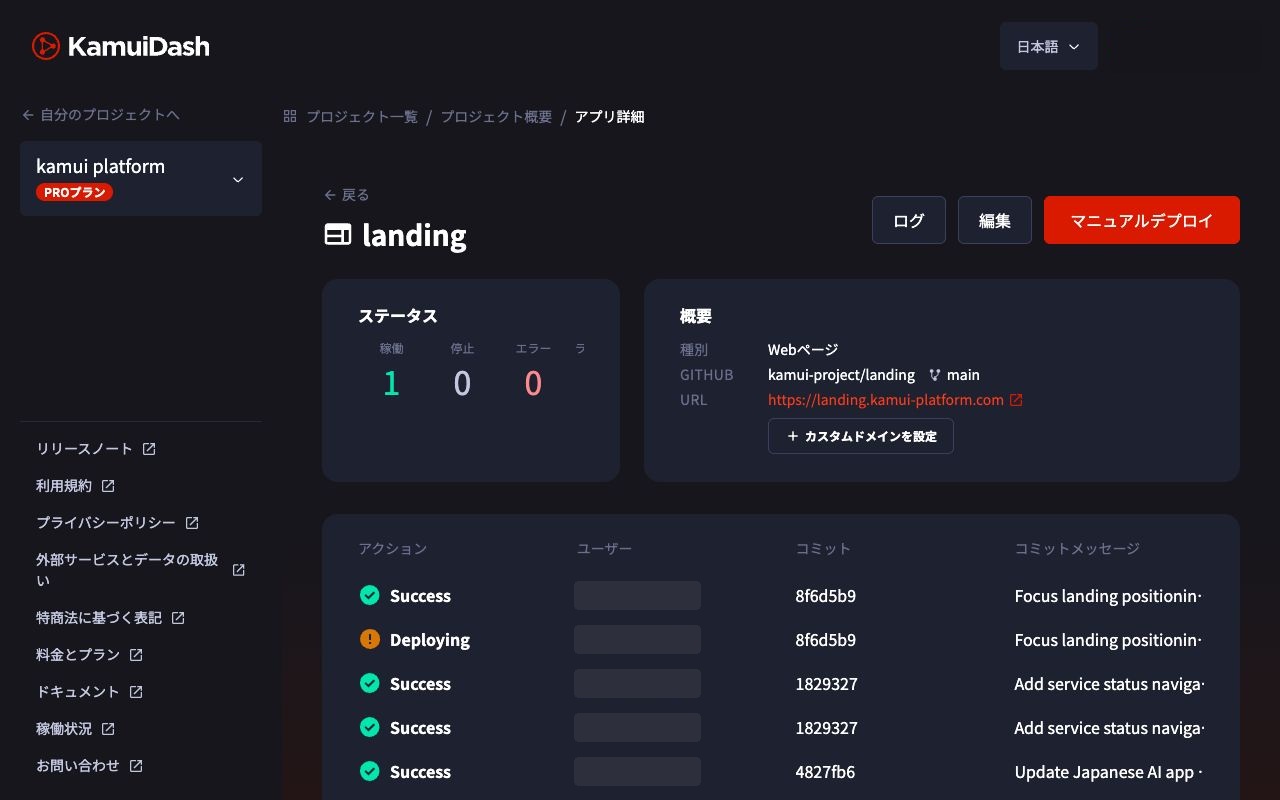
Verify the public page and API
Check the deployed URL at / and /healthz, including the status code and content. Check any scripts, images, and API routes your own app uses.
| Symptom | What to check |
|---|---|
| Build fails | Node.js version, lockfile, build-time variables |
| Process exits | Generated .next directory, start command, working directory |
| Health check fails | PORT, bind address, path, response status |
| Environment change is invisible | Whether the value was embedded at build time |
| Out of memory | Whether memory ran out during the build or at runtime |
A small sample can confirm the deployment path. Measure your own app's memory and CPU needs with real pages, image processing, and concurrent requests. Before adding replicas, decide how to share caches and revalidation state and handle overlapping releases. Use shared storage for sessions and persistent files as appropriate.
Frequently asked questions
Does Next.js require Vercel?
Next.js documents Node.js, Docker, and static export as deployment options. Check the features you use and plan how to replace any Vercel services.
Is standalone output required?
The next build and next start example works with standard output. Standalone output changes which files you deploy and how you start the server.
Can I add a database?
Yes. Connect from server code and plan schema migrations. Keep the connection string out of NEXT_PUBLIC_ variables and client responses.
Verification scope: the sample was built and started locally. The comparison uses official documentation checked on November 2, 2026. It does not report comparative performance or a new deployment of the sample on KamuiDash.
Related guides
KamuiDash is a Tokyo-region PaaS for publishing web applications through GitHub and AI integrations.